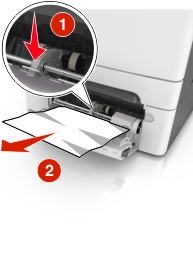
将纸张释放杆推入多功能进纸器来访问被卡的纸张,然后将纸张轻轻地拉出。
| 注意: 确认已取出所有纸张碎片。 |
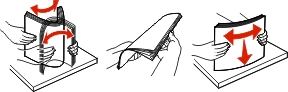
前后弯曲纸张,使它们松散,然后将它们扇形展开。不要折叠或弄皱纸张。对齐纸张的边缘。
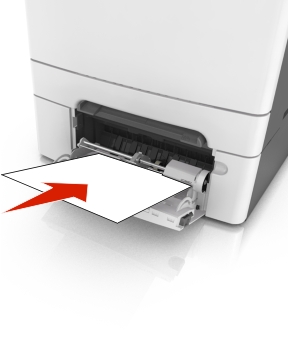
将纸张重新加载到多功能进纸器中。
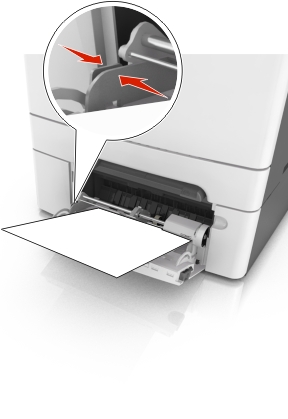
滑动纸张导片,直到它轻轻地靠着纸堆的边缘。
从打印机控制面板,触摸  来清除消息并继续打印。对于非触摸屏的打印机型号,请选择下一步 >
 >清除卡纸,请按“确定” >。
将纸张释放杆推入多功能进纸器来访问被卡的纸张,然后将纸张轻轻地拉出。
| 注意: 确认已取出所有纸张碎片。 |
前后弯曲纸张,使它们松散,然后将它们扇形展开。不要折叠或弄皱纸张。对齐纸张的边缘。
将纸张重新加载到多功能进纸器中。
滑动纸张导片,直到它轻轻地靠着纸堆的边缘。
从打印机控制面板,触摸 来清除消息并继续打印。对于非触摸屏的打印机型号,请选择下一步 > >清除卡纸,请按“确定” >。