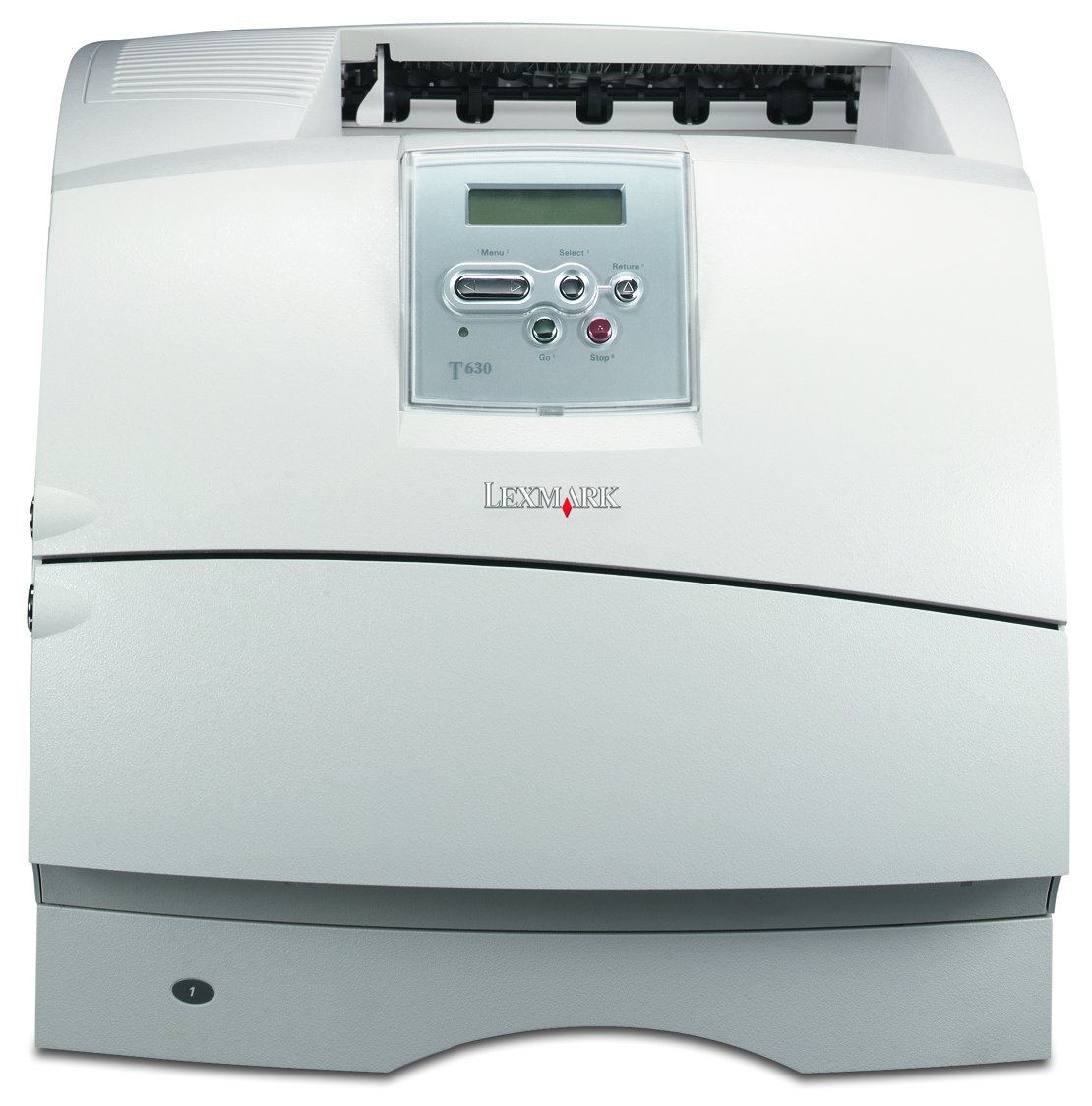
Lexmark T630 Series
Quick Reference
Using the operator panel, understanding menus and error codes, clearing paper jams, and using print materials
Setup Guide
Setting up the printer, attaching cables, installing print cartridges, and installing the driver software
User's Reference
Printing tips, changing printer settings, and solving problems
Setting up the printer (caster) base
Setting up the wooden furniture
MFP Shelf
Installation instructions for the X4500 scanner shelf option
MFP Roadmap
Roadmap for installing the X4500 multifunction printer option for use with the T632
Product:
T630
Language:
English
Change Your Selections
Additional Publications
Card Stock & Label Guide
(705 KB) - Choosing the proper media for your printer
Technical Reference
Details about printer functions and commands.
If Acrobat Reader is not installed on your operating system, visit the Adobe Web site at
www.adobe.com
or the Adobe BBS at (206) 623-6984 to download the version of Acrobat Reader you need.