Clearing jams

Avoiding jams

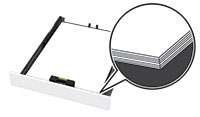
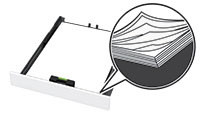
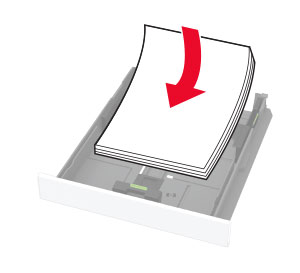
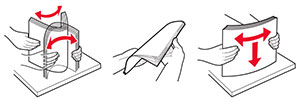
Load paper properly
Use recommended paper

Identifying jam locations

Notes:


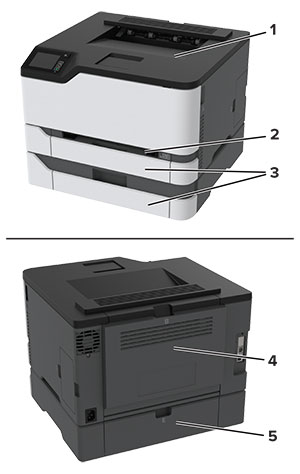
Jam locations

1

Standard bin

2

Manual feeder

3

Trays

4

Door B

5

Door E


Paper jam in the standard tray

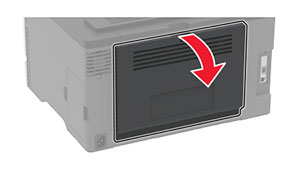
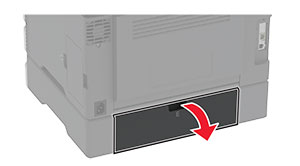
  1. Open door B.

    hot surface caution icon   CAUTION—HOT SURFACE:  The inside of the printer might be hot. To reduce the risk of injury from a hot component, allow the surface to cool before touching it.
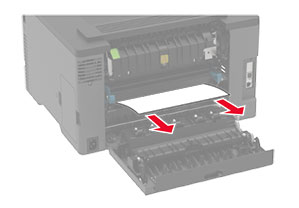
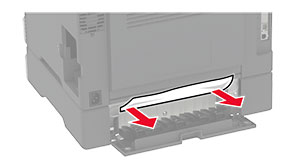
  2. Remove the jammed paper.

    Note:  Make sure that all paper fragments are removed.
  3. Close the door.

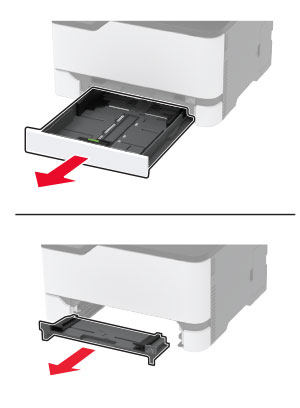
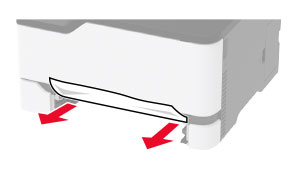
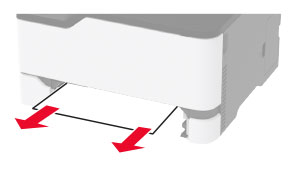
  4. Remove the tray and the manual feeder.

  5. Remove the jammed paper.

    Note:  Make sure that all paper fragments are removed.
  6. Insert the manual feeder and the tray.

Paper jam in the optional tray

  1. Open door B.

    hot surface caution icon   CAUTION—HOT SURFACE:  The inside of the printer might be hot. To reduce the risk of injury from a hot component, allow the surface to cool before touching it.
  2. Remove the jammed paper.

    Note:  Make sure that all paper fragments are removed.
  3. Close the door.

  4. Open door E.

  5. Remove the jammed paper.

    Note:  Make sure that all paper fragments are removed.
  6. Close the door.

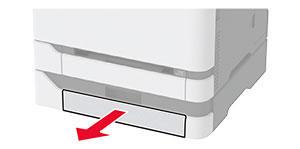
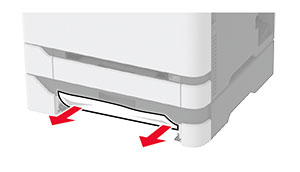
  7. Remove the optional tray.

  8. Remove the jammed paper.

    Note:  Make sure that all paper fragments are removed.
  9. Insert the tray.

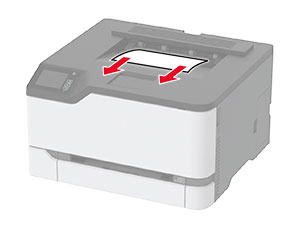
Paper jam in the standard bin

Remove the jammed paper.

Note:  Make sure that all paper fragments are removed.

Paper jam in the manual feeder

  1. Remove the tray and the manual feeder.

  2. Remove the jammed paper.

    Note:  Make sure that all paper fragments are removed.
  3. Insert the manual feeder and the tray.

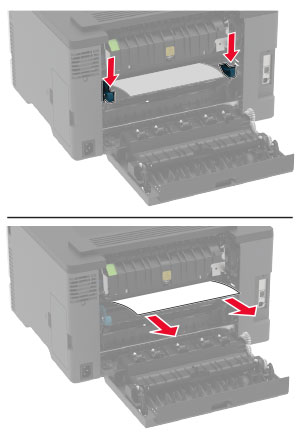
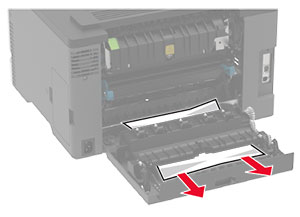
Paper jam in door B

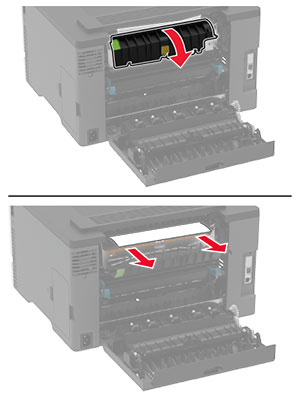
  1. Open door B.

    hot surface caution icon   CAUTION—HOT SURFACE:  The inside of the printer might be hot. To reduce the risk of injury from a hot component, allow the surface to cool before touching it.
  2. Remove the jammed paper from any of the following areas:

    Note:  Make sure that all paper fragments are removed.
    • Fuser area

    • Below the fuser area

    • Duplex unit

  3. Close the door.