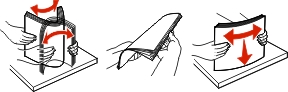
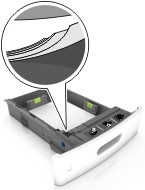
Make sure paper lies flat in the tray.
|
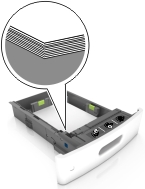
Correct loading of paper |
Incorrect loading of paper |
|---|---|
 |
 |
Do not remove a tray while the printer is printing.
Do not load a tray while the printer is printing. Load it before printing, or wait for a prompt to load it.
Do not load too much paper. Make sure the stack height is below the maximum paper fill indicator.
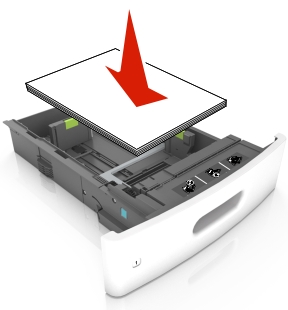
Do not slide the paper into the tray. Load paper as shown in the illustration.
Make sure the guides in the tray or the multipurpose feeder are properly positioned and are not pressing tightly against the paper.
Push the tray firmly into the printer after loading paper.
If you are loading prepunched paper for use with the staple finisher, then make sure the holes on the long edge of the paper are on the right side of the tray. For more information, see the “Loading paper and specialty media” section of the User’s Guide.