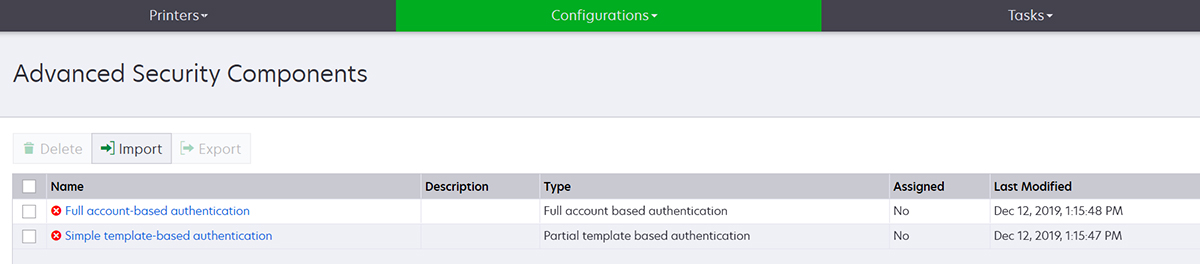
On some printer models, there is no default administrator user. The Guest user has open access and is not logged in. This setup grants the user access to all printer permissions and access controls. MVE handles this risk through default configurations. After a fresh installation, two advanced security components are created automatically. Each component contains the default security settings and preconfigured local administrator account. You can use these security components when creating a configuration, and then deploy and enforce the configuration to the new printers.
From the Configurations menu, click All Advanced Security Components.
This security component is not supported on the following printer models.
Lexmark B3340, B3442, MS331, MS431
Lexmark MB3442, MX331, MX431
Lexmark C3426, CS431
Lexmark CX431, MC3426
This security component contains a User Name/Password Local Account called admin.
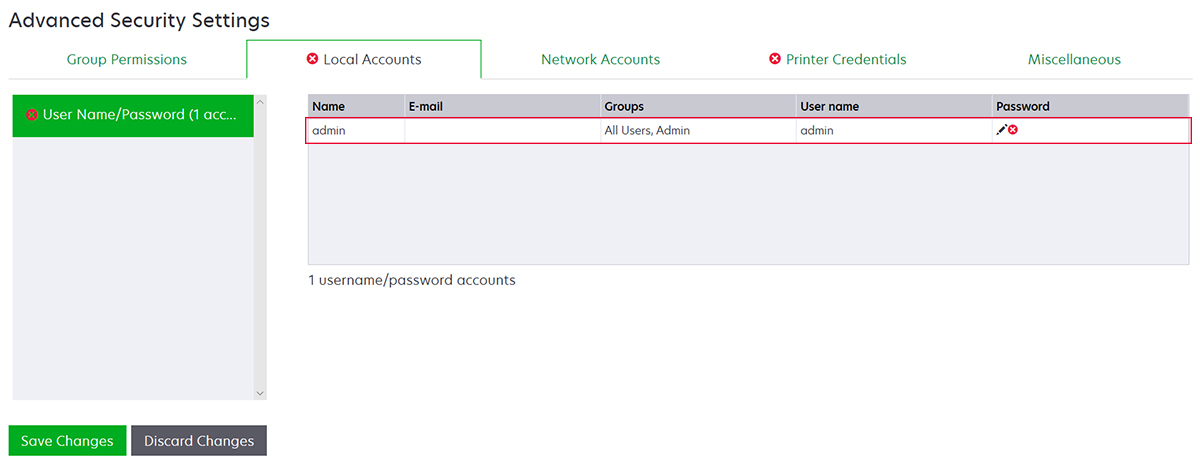
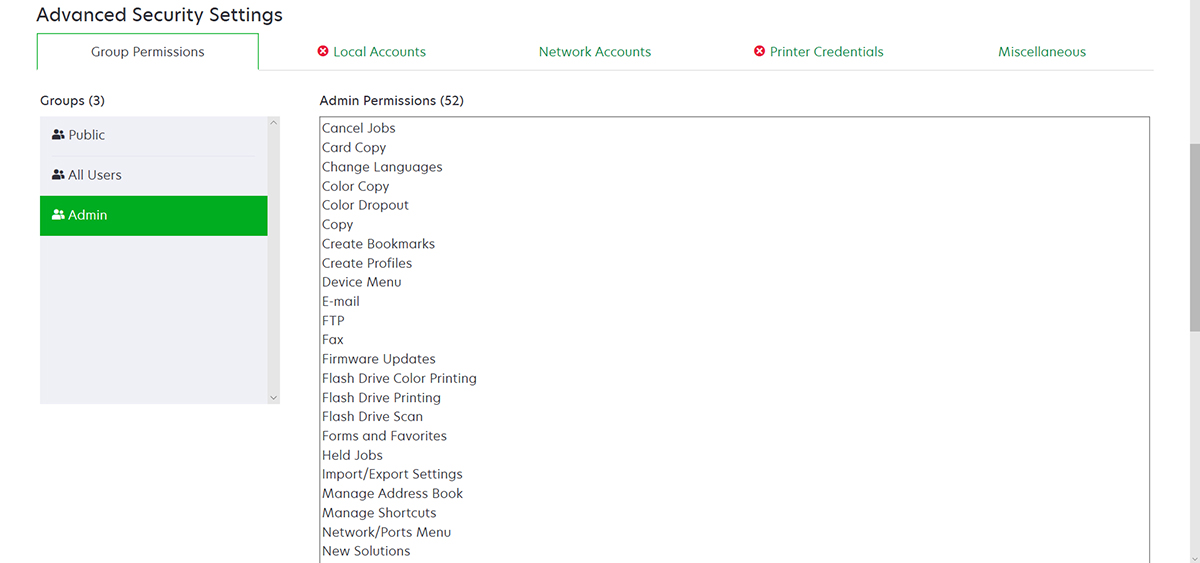
The admin account is a member of the Admin Group, whose permissions include function access controls and permissions to secure the printer and restrict public access. For more information, see Understanding permissions and function access controls.
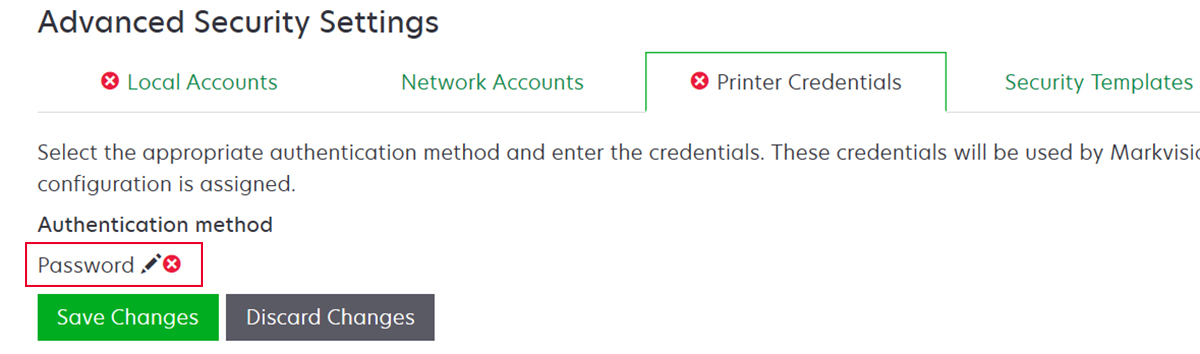
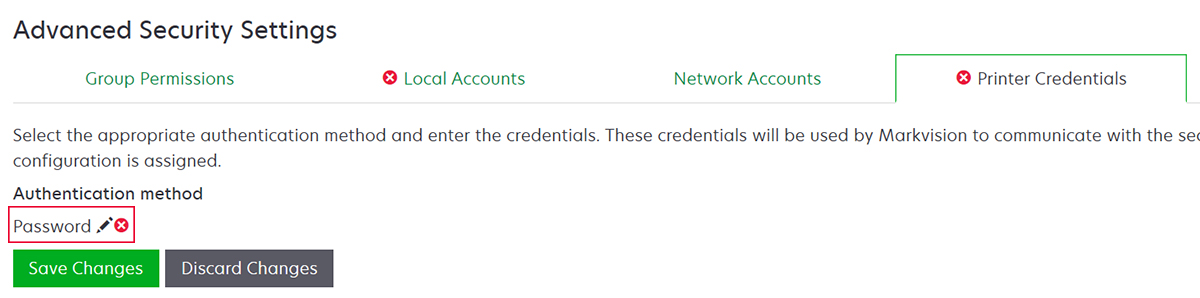
Before adding this component to a configuration, make sure to set the admin password and the printer credentials.

This security component contains a security template called Admin Password Protected that is configured with a Password Local Account.


This security template is applied to the following access controls:
Firmware Updates
Remote Management
Security Menu remotely
The remaining access controls are set to No Security. However, you can always set the other administrative printer menus to use the security template for more protection. For more information on the access controls, see Understanding permissions and function access controls.
Before adding this component to a configuration, make sure to set the password and the printer credentials.