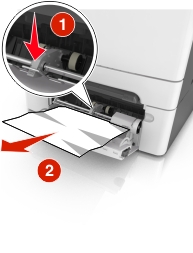
Push the paper release lever in the multipurpose feeder to access the jammed paper, and then gently pull out the paper.
| Note: Make sure all paper fragments are removed. |
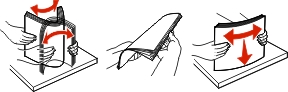
Flex the sheets of paper back and forth to loosen them, and then fan them. Do not fold or crease the paper. Straighten the edges on a level surface.
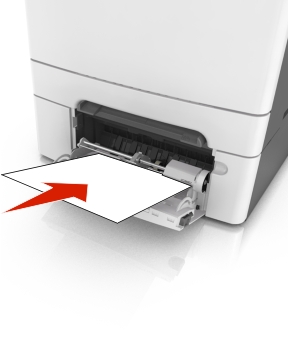
Reload paper into the multipurpose feeder.
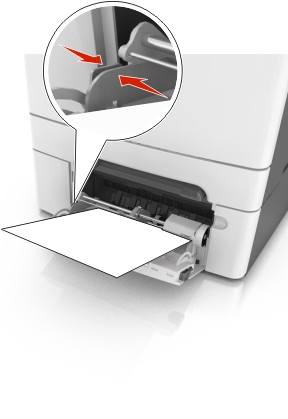
Slide the paper guide until it lightly rests against the edge of the paper stack.
From the printer control panel, press  to clear the message and continue printing.