 CAUTION—HOT SURFACE: The inside of the printer might be hot. To reduce the risk of injury from a hot component, allow the surface to cool before touching it. CAUTION—HOT SURFACE: The inside of the printer might be hot. To reduce the risk of injury from a hot component, allow the surface to cool before touching it.
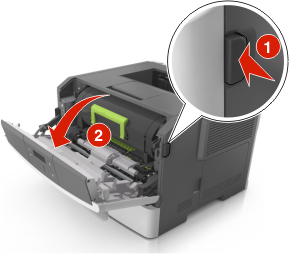
Open the front door.
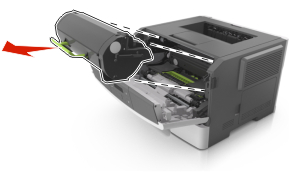
Remove the toner cartridge.
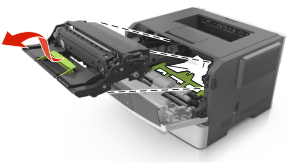
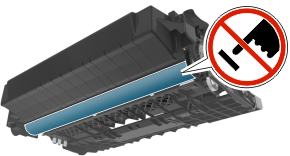
Remove the imaging unit.
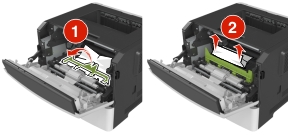
Remove the jammed paper.
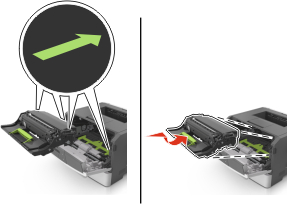
Insert the imaging unit.
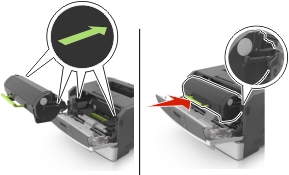
Insert the toner cartridge.
Close the front door.
From the control panel, press  .
.