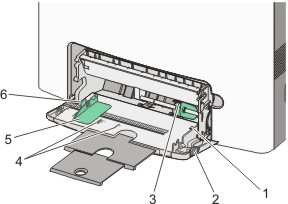
The multipurpose feeder accommodates a variety of media types, including envelopes.
1 | Stack height limiter |
2 | Tray release latch |
3 | Paper release lever |
4 | Size indicators |
5 | Width guide |
6 | Width guide release tab |
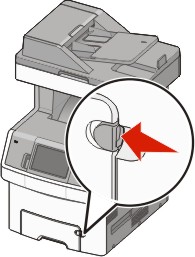
Press the tray release latch to the left, and then pull the multipurpose tray down.
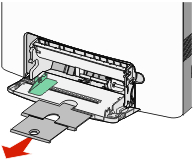
Gently pull the extension out until it is fully extended.
Flex sheets of paper or specialty media back and forth to loosen them, and then fan them. Do not fold or crease the paper. Straighten the edges on a level surface.
* Avoid touching the print side of transparencies. Be careful not to scratch them. | |
Paper | 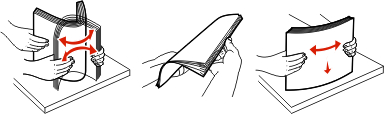 |
Envelopes | 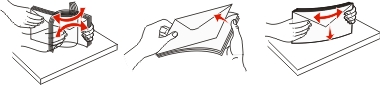 |
Transparencies* | 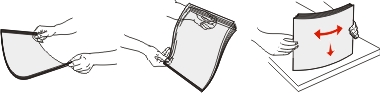 |
Load the paper or specialty media. Slide the stack into the multipurpose feeder until it comes to a stop.
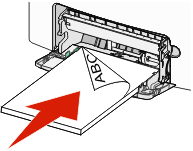
Notes:
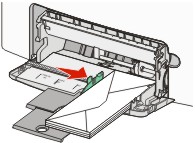
| Warning—Potential Damage: Never use envelopes with stamps, clasps, snaps, windows, coated linings, or self-stick adhesives. These envelopes may severely damage the printer. |
From the printer control panel, set the Paper Size and Paper Type.
Make sure the printer is on and appears.
On the home screen, touch  .
.
Touch Paper Menu.
Touch Paper Size/Type.
Touch the arrows for the desired tray until the correct size or type setting appears.
Touch Submit.
Touch  to return to the home screen.