From the Printers menu, click Printer Listing.
From the Printer Listing page, do any of the following:
To search for specific printers, do any of the following:
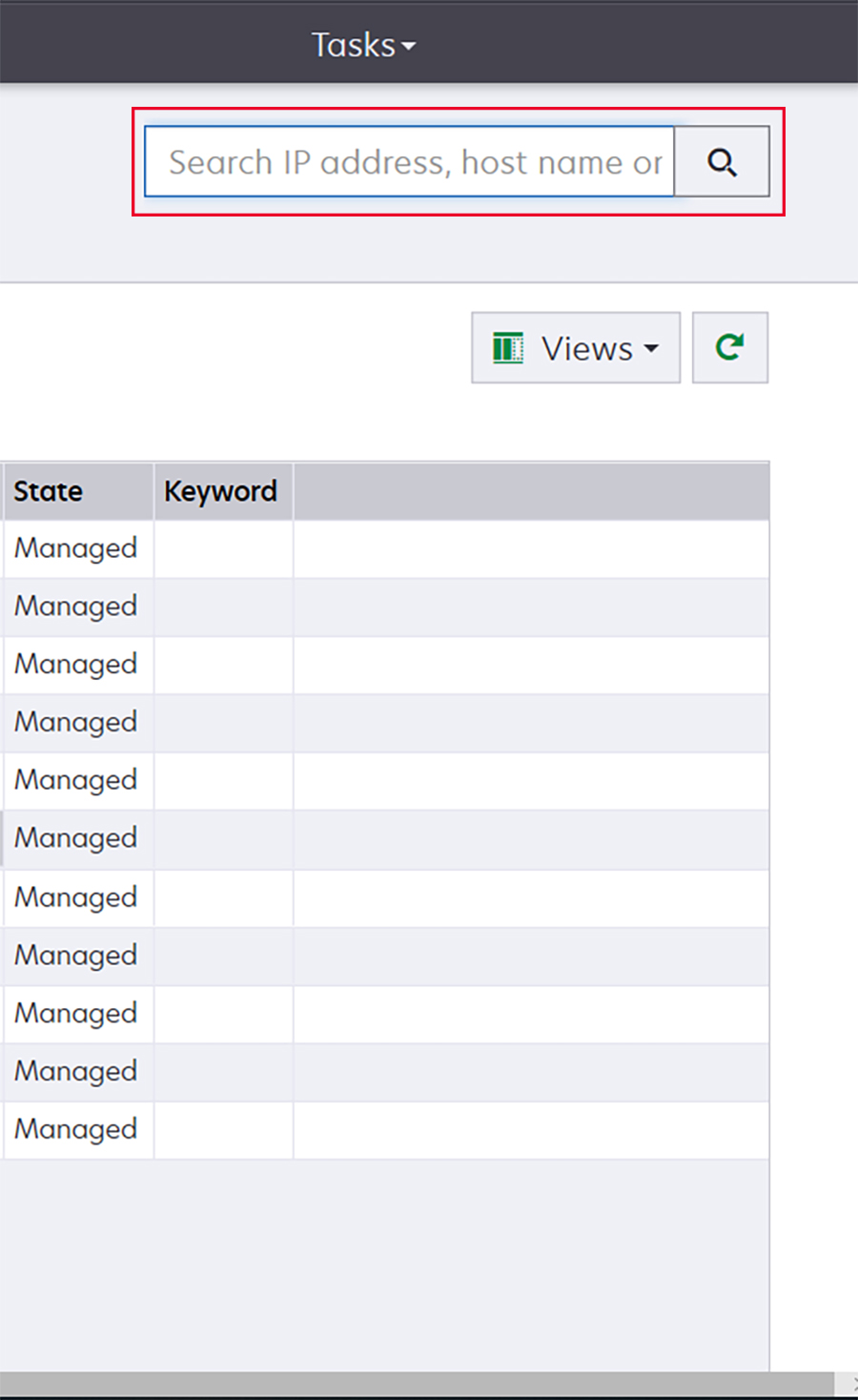
Use the search box to search for an IP address, host name, system name, or serial number.
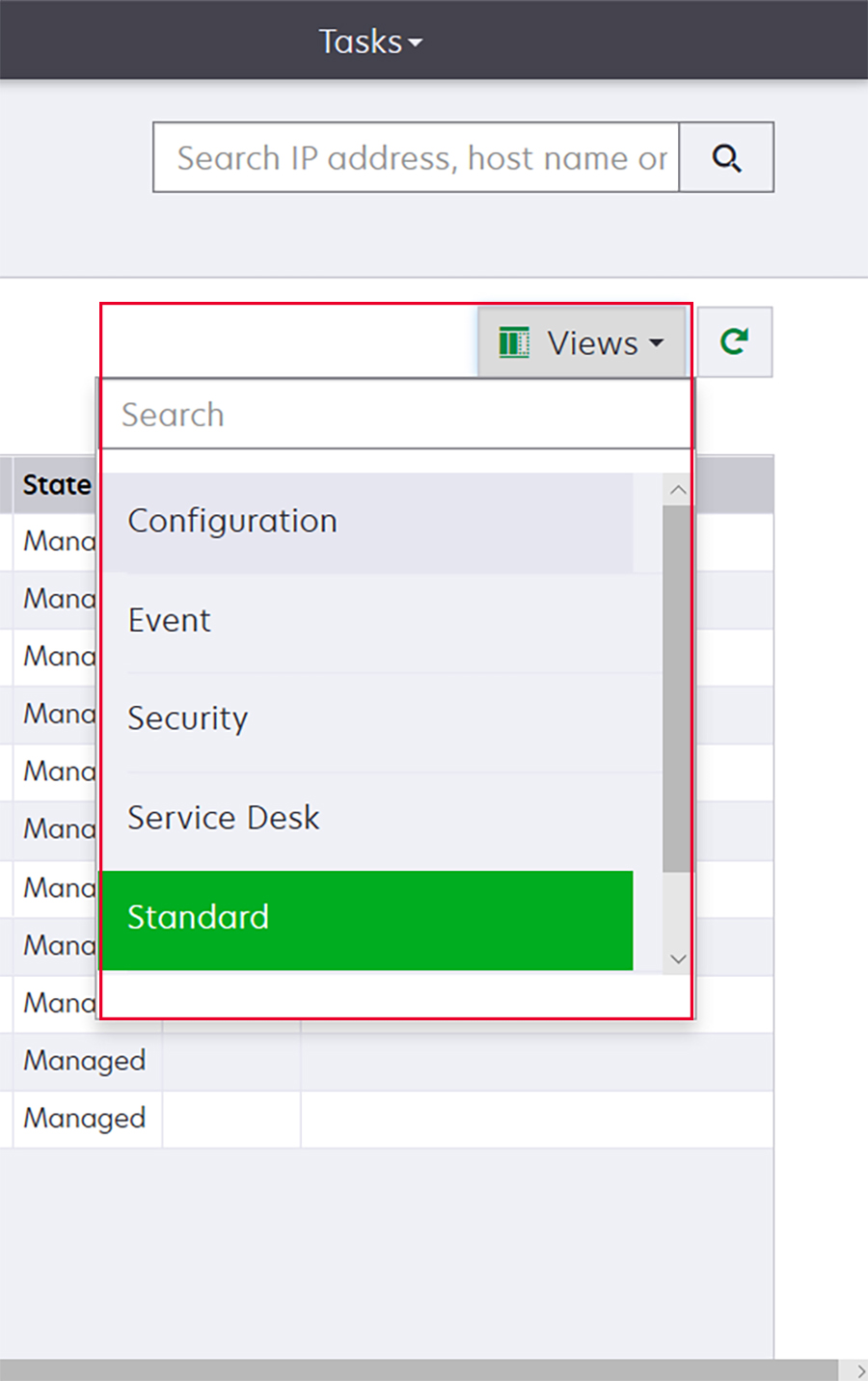
Change the printer listing view. For more information, see Changing the printer listing view.
 Note: If you are using the search box, then the application searches for all the printers in the system. The selected filters and saved searches are ignored. If you run a saved search, then the criteria specified in the saved search are used. The selected filters and the IP address or host name typed in the search box are ignored. You can also use the filters to narrow down the current search results.
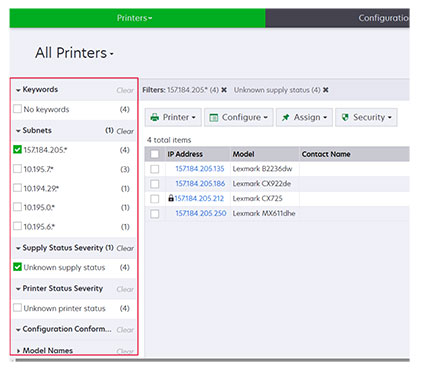
Use the filters.
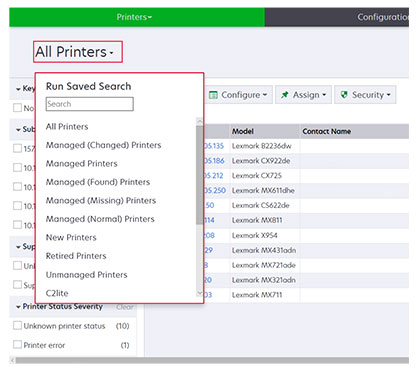
Run a saved search. For more information, see Running a saved search.
To sort the printers, from the printer list table, click any column header. The printers are sorted according to the selected column header.
To view more information about the printers, resize the columns. Place your cursor over the vertical border of the column header, and then drag the border to the left or to the right.